
Most dental offices reorder by feel: someone notices a shelf looks low and places an order. It works until it doesn't: a product runs out mid-procedure, or the storage room fills up with supplies you won't use for months.
Par levels replace that guesswork with two simple numbers for each item: when to order (the reorder point) and how much to keep (the par level). Here's how to set them, and why they only work when your counts are accurate and current.
The three numbers you need
- Reorder point: the stock level at which you place an order. When an item drops to this number, it goes on the next order.
- Par level: the most you want on the shelf. When you reorder, you order enough to bring stock back up to par.
- Safety stock: a buffer for the unexpected: a busy week, a late delivery, a backorder. It's included in the reorder point.
Step 1: Find your usage
For each item, you need to know how much you use in a typical week, in the unit you order in: boxes, packs, syringes. Without a system, that means digging through months of orders or counting the same items at the start and end of several weeks.
DTrackAll shows usage trends from every count, so this number comes straight from your own data instead of a guess.
Step 2: Find your lead time
Lead time is how long it takes from placing an order to having the product on your shelf. For many dental supplies that's a few business days; for specialty items or backordered products it can be much longer. Use the time it actually takes, not the time the supplier quotes.
Step 3: Choose your safety stock
Safety stock covers what you can't predict. A simple rule of thumb: keep one extra week of usage for most items, and more for items that are critical to patient care or often backordered. For items that are cheap and easy to get, you can keep less.
Step 4: Calculate the reorder point
The standard formula is:
Reorder point = (weekly usage × lead time in weeks) + safety stock
In other words: enough to cover what you'll use while the order is on its way, plus your buffer.
Step 5: Set the par level
Decide how often you want to order this item, typically every week or every two weeks, then:
Par level = reorder point + usage between orders
When stock hits the reorder point, you order enough to get back up to par: order quantity = par level − stock on hand.
A worked example: exam gloves
Say an office uses 6 boxes of medium exam gloves a week, delivery takes 1 week, the office wants 1 week of safety stock, and orders every 2 weeks.
- Reorder point = (6 × 1) + 6 = 12 boxes
- Par level = 12 + (6 × 2) = 24 boxes
When the count shows 12 boxes or fewer, gloves go on the next order. If 11 boxes are on the shelf, the order is 24 − 11 = 13 boxes.
Keep par levels up to date
Par levels need adjusting as your practice changes. Review them:
- Every quarter, or whenever usage changes: a new associate, a new procedure mix, a new location.
- When an item runs out: the reorder point was too low or the count was wrong.
- When an item sits untouched: the par level is too high, and cash is tied up on the shelf.
- When you switch products: a substitute or new brand may come in different pack sizes.
DTrackAll's reports show usage trends, overstock and dormant products, so you can see which levels need changing instead of finding out when something runs out.
Par levels only work with accurate counts
The formula assumes you know how much is on the shelf. In most offices, counts happen monthly at best, so the "on hand" number is days or weeks out of date when you need it. That's when par levels stop working and the office goes back to reordering by feel.
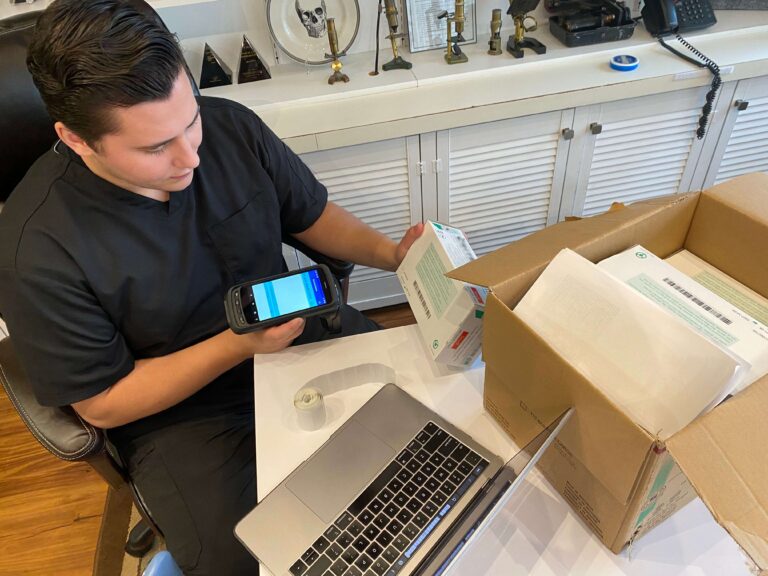
DTrackAll keeps par levels working automatically. Every supply carries an RFID tag, and a full office count takes minutes with the handheld reader, so the on-hand number is always current. DTrackAll compares each count with the levels you set for every item and location, alerts you the moment stock drops below them, counts approved substitutes toward your stock, and builds the reorder, grouped by supplier, for you to approve in one click. No formulas to run by hand, and no order quantities to work out on a calculator.
For the bigger picture, read Dental Inventory Management: The Complete Guide, covering why manual methods break down, how methods compare, DSOs and what to measure.
Put your par levels to work. Book a demo and we'll show you how DTrackAll tracks par levels and builds orders for your own supplies.