
A dental office keeps hundreds of different supplies across a storage room, operatories, sterilization and the lab. Without a reliable system, the same problems keep coming back: an item runs out mid-procedure, a box expires at the back of a shelf, or two team members order the same product in the same week.
This checklist covers what your inventory system needs to know about every supply, the categories to cover, and how often the numbers need to be updated to stay useful.
What to record for every item
For each product, your system should answer six questions: what it is, where it comes from, where it lives, how much you need, how much you have, and when it expires.
- Item and brand: the exact product, size and shade, such as "Composite, shade A2" rather than "composite".
- Supplier and supplier item number: so the right product is reordered every time.
- Unit: box, pack, syringe, bottle, matching the unit you order in.
- Storage location: "Sterilization, drawer 3" or "Operatory 2, cabinet B".
- Par level and reorder point: the most you want on hand, and the level at which you order more. See how to set par levels for dental supplies.
- Approved substitutes: products your clinical team accepts in place of this one when it's backordered.
- On hand, expiration date and lot number: the numbers that change constantly, and the ones that matter most.
Supply categories to cover
A typical dental office breaks down into:
- Infection control: gloves (by size), masks, gowns, surface disinfectant, sterilization pouches, spore tests, barriers.
- Anesthetic: cartridges by type, needles by gauge and length, topical.
- Restorative: composite by shade, flowable, bonding agent, etchant, glass ionomer, temporary cement, matrix bands, burs.
- Impression: heavy and light body, bite registration, alginate, trays, mixing tips.
- Endodontics, hygiene, surgical and implants: files, paper points, gutta percha, irrigants; prophy paste and angles, fluoride varnish; sutures, hemostatic agents, gauze; implant fixtures and components.
- Lab cases: which case went to which lab, for which patient, and when it's due back.
Specialty practices should add their own high-value categories. For oral surgery and implant-heavy offices, implant components and grafting materials are often where the most money sits on the shelf.
How often the numbers need updating
The on-hand numbers are only useful if they're current. Fast-moving and critical items such as gloves, anesthetic, your most-used composite shades and sterilization supplies change daily and need checking at least weekly. Everything else in active use needs checking regularly too, along with every expiration date.
Done by hand, that is many hours of staff time every month, which is why most offices end up counting monthly or quarterly instead, and ordering from numbers that are already out of date.
Expiration dates: the hidden cost
Expired supplies are money thrown away, and some can't safely be used on patients. Preventing waste takes three things: using the oldest stock first, knowing the expiration date and lot of every item, and seeing what's about to expire before it does. With expiration dates printed on boxes rather than kept in a system, the third one rarely happens.
Why keeping a checklist by hand doesn't hold up
A checklist on paper or in a spreadsheet starts out accurate and goes stale from the first day:
- Counting takes hours, so it happens rarely, and the numbers drift in between.
- Items get missed in operatories, drawers and overflow storage.
- Expiration dates aren't watched, so products expire unnoticed.
- Substitutes break the count: when a backordered item is replaced by an equivalent, the list treats it as unrelated and the office reorders what it already has.
- It depends on one person who knows where everything is.
How DTrackAll keeps the checklist for you
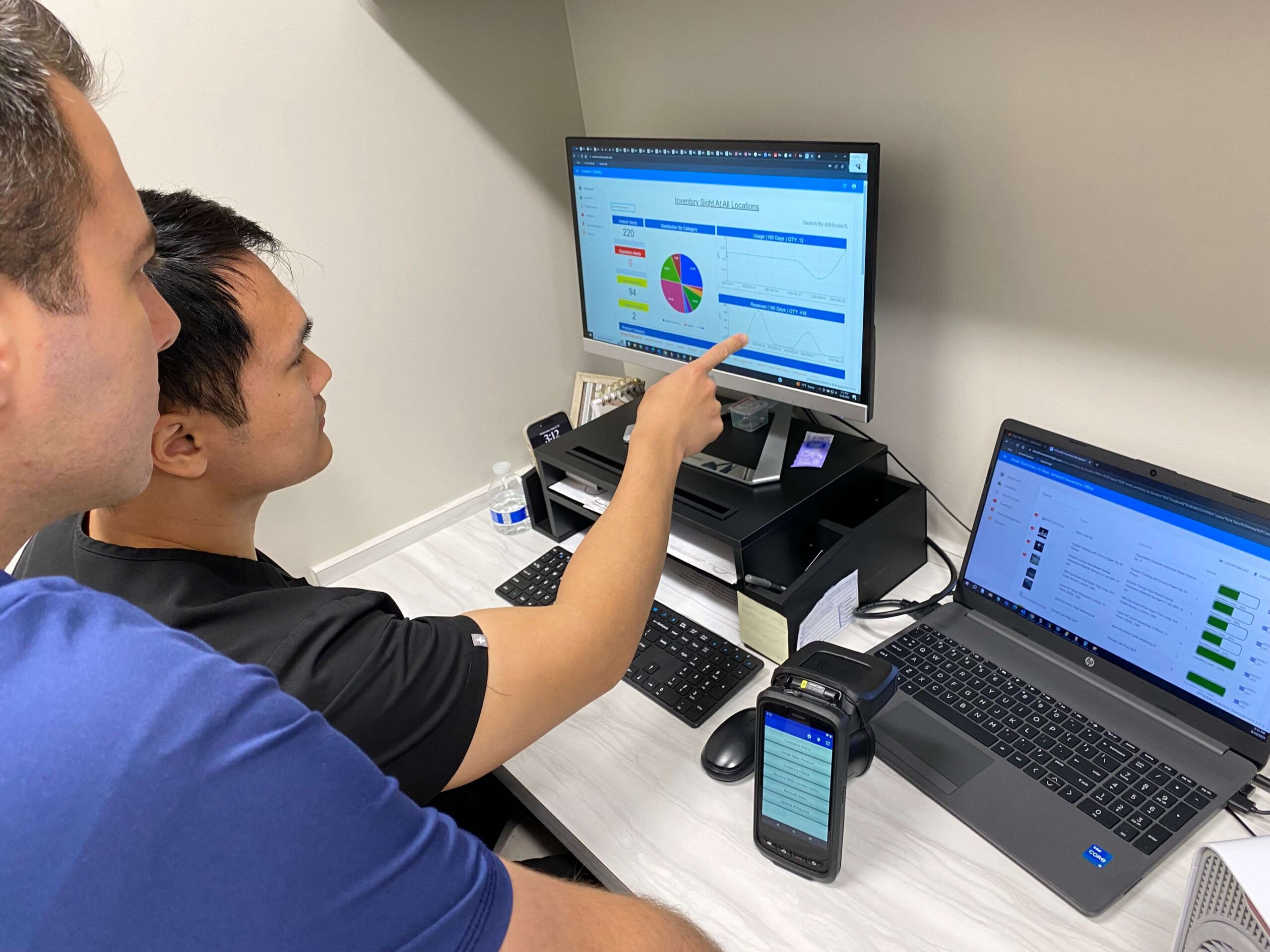
DTrackAll keeps every piece of information on this checklist, and keeps it current. Every supply carries an RFID tag, and a team member walks the office with an ergonomic handheld reader: the whole office is counted in minutes, without scanning items one by one, using the shelves and cabinets you already have.
- Stock levels for every product, in every room, updated with each count.
- Real-time alerts when a product drops below the level you set for that item and location.
- Expiration tracking by lot, so items are flagged before they expire and recalled lots are found fast.
- Approved substitutes counted toward your stock, so you don't reorder what you already have.
- A ready reorder after each count, grouped by supplier, approved in one click.
- Lab case tracking in the same system, with an alert before a case runs late.
For the bigger picture, read Dental Inventory Management: The Complete Guide, covering why manual methods break down, how methods compare, DSOs and what to measure.
Stop keeping the checklist by hand. Book a demo and we'll show you how DTrackAll tracks your own supplies.